Change the menu. Not the QR.
You edit your menu from your phone; your guests scan the same QR code and read the version that is current.
€5 a month, cancel anytime.
Open the demo menu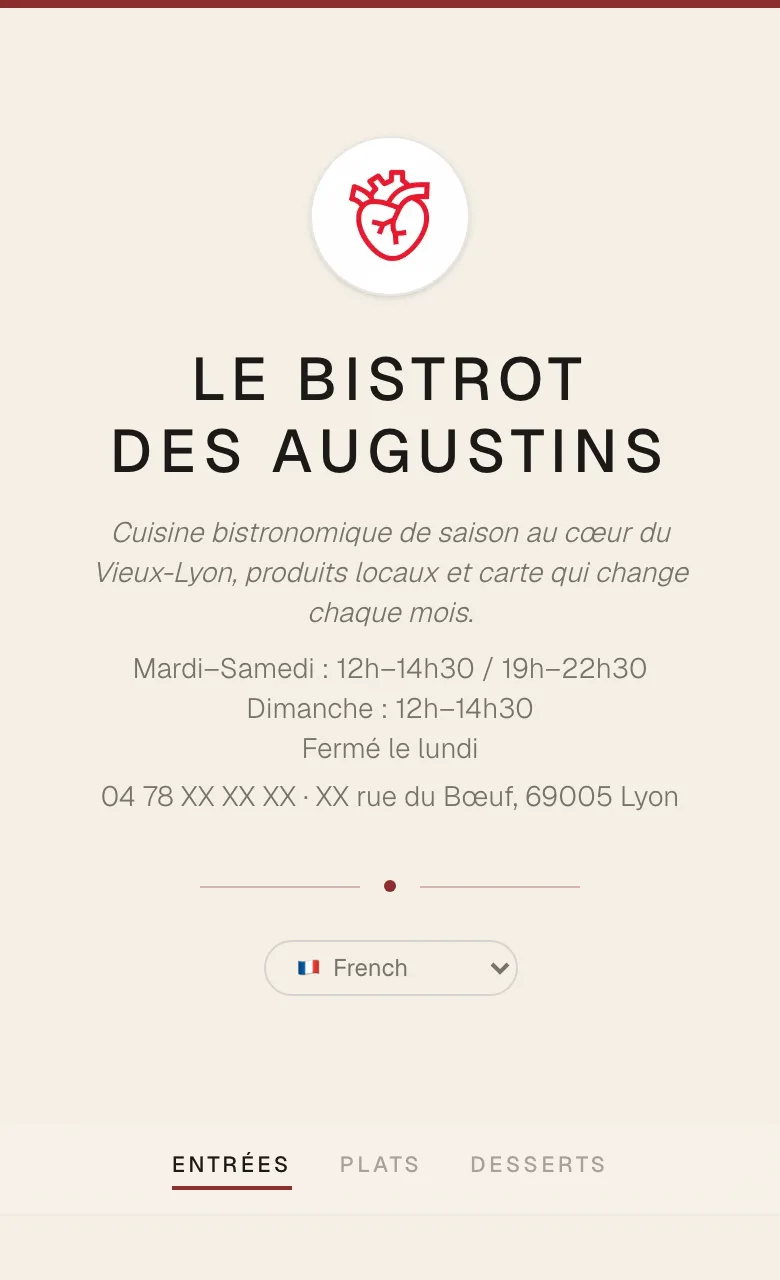
It all happens on your phone
Five steps, filmed in the app. None of them needs a computer.
Create your restaurant
Name, logo, description, opening hours, address and phone: the top of your menu.
Build your menu
Categories, dishes, prices, labels and allergens. Drag categories into order with a finger.
Print your QR code
As a PNG, an SVG or an A6 table card in PDF. Once and for all.
Edit any time
A price, a sold-out dish, today’s special: you save, and the next guest reads the new menu.
Print the menu too
The same menu as a PDF, for the window or for guests without a phone.
These five steps come with the Essentiel plan, at €5 a month.
All 14 allergens, ready to tick
The EU’s INCO regulation requires you to tell guests about 14 allergens, dishes served at the table included. MenuCrush has all of them: you tick them for each dish, and the menu flags them under the dish with a pictogram.
- Gluten
- Crustaceans
- Eggs
- Fish
- Peanuts
- Soy
- Milk
- Tree nuts
- Celery
- Mustard
- Sesame
- Sulphites
- Lupin
- Molluscs
Included from the Essentiel plan.
Regulation (EU) No 1169/2011, known as “INCO”, in force since December 2014; in France, the decree of 17 April 2015 for non-prepacked food.
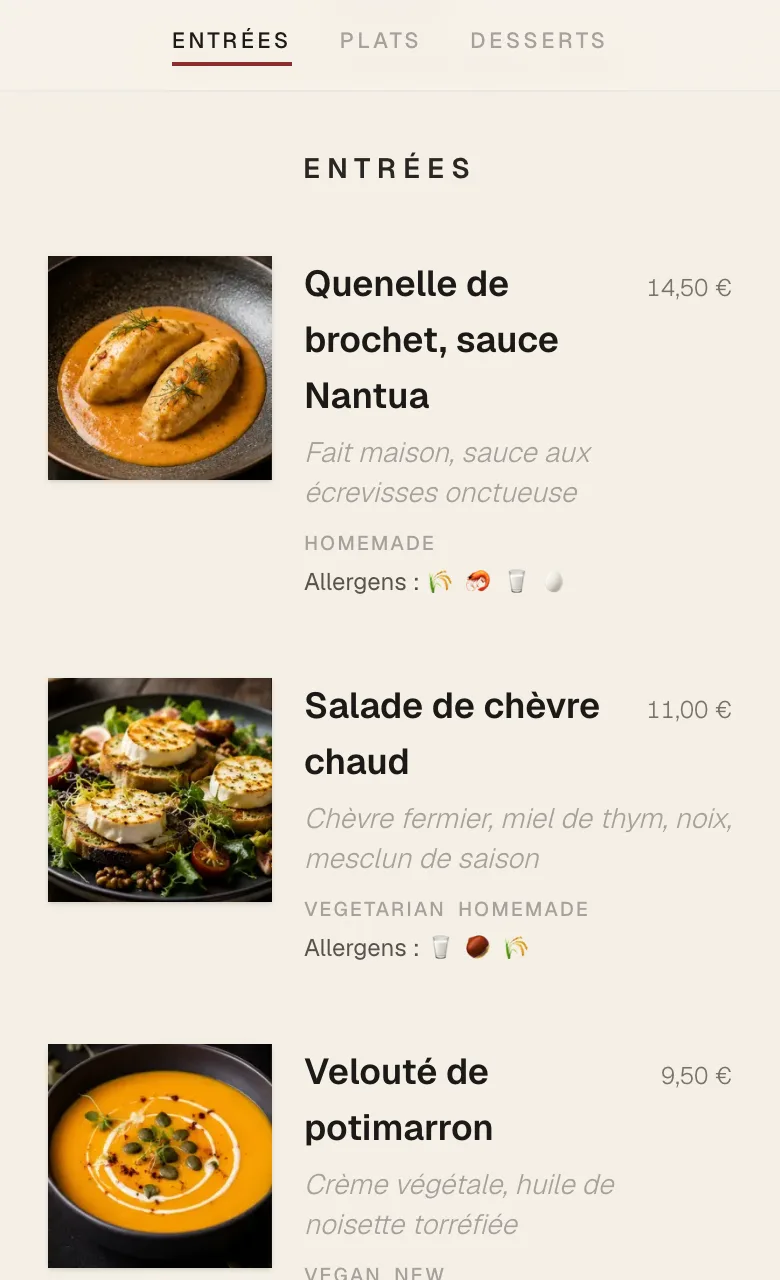
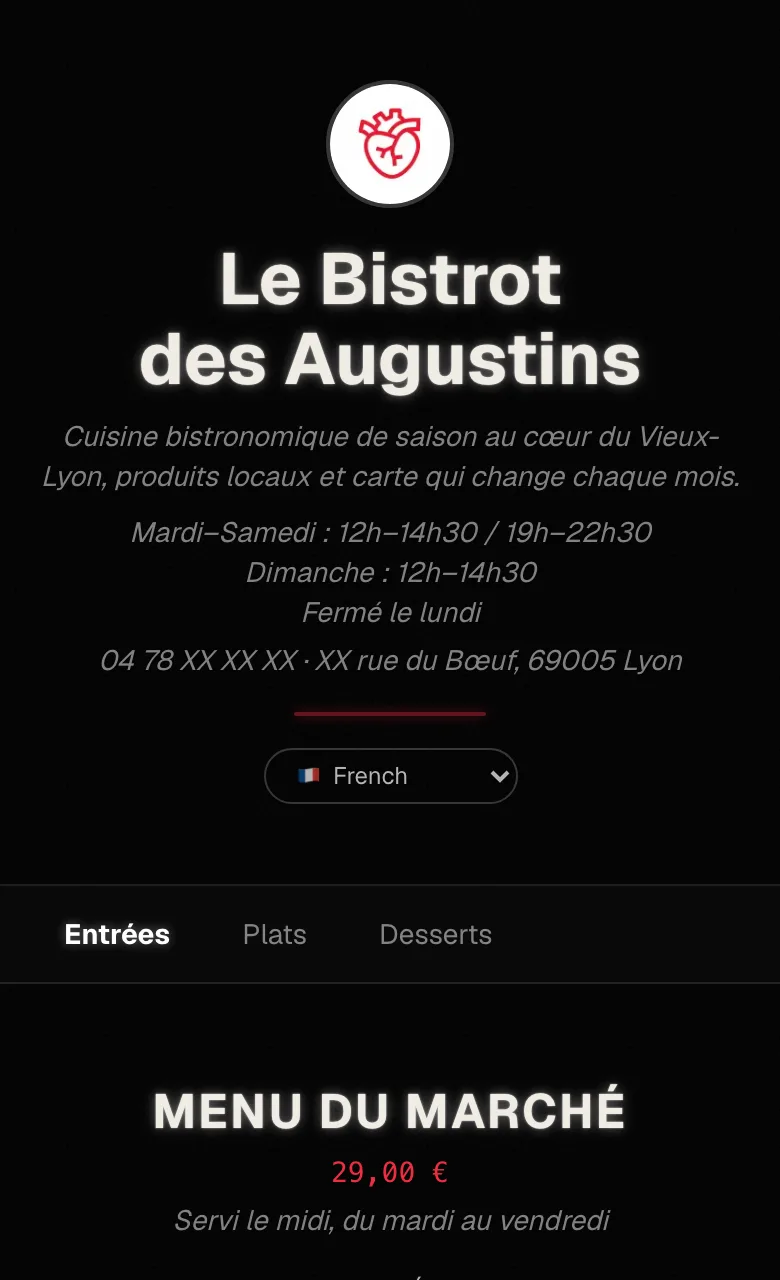
Three styles, twelve languages
With the Personnalisation plan, your menu changes style, speaks twelve languages, shows your dishes in photos and holds your set menus.
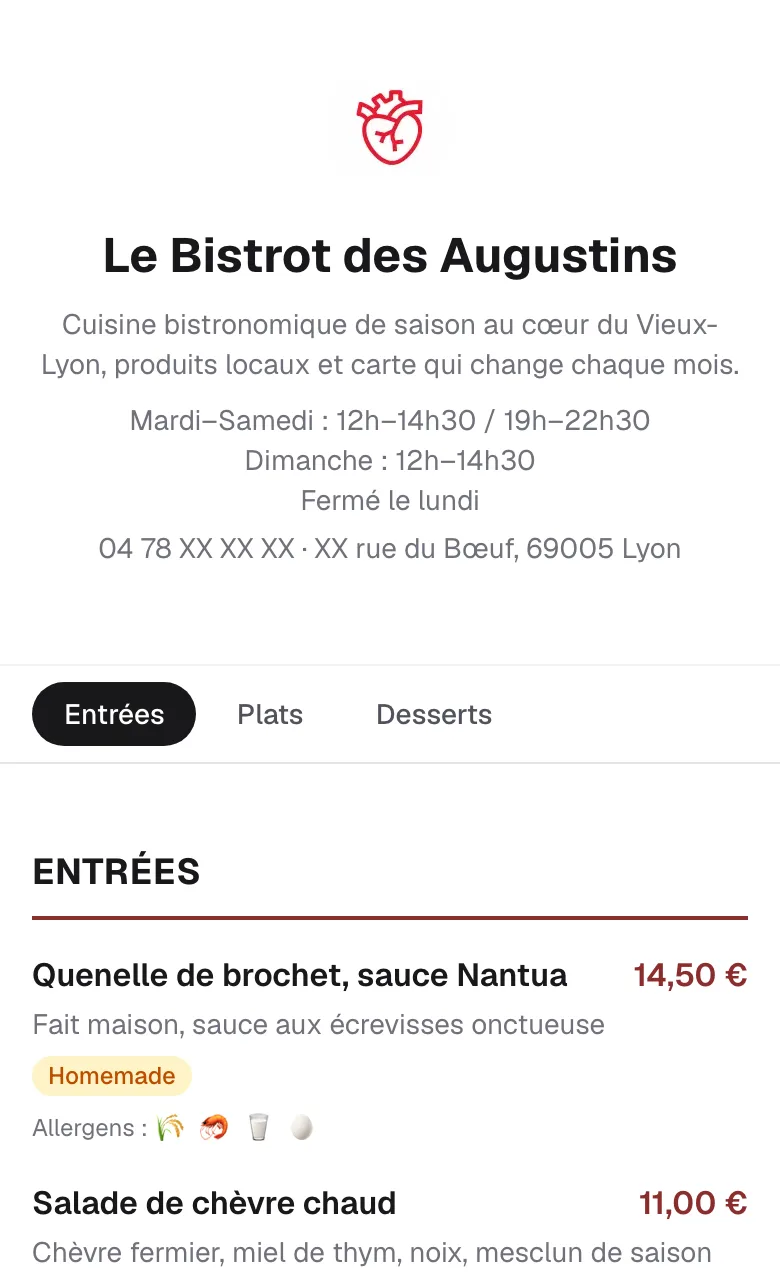
One dish, twelve languages
You translate each dish once, language by language; your guest picks theirs at the top of the menu.
- French
- Quenelle de brochet, sauce Nantua
- English
- Pike quenelle, Nantua sauce
- Spanish
- Quenelle de lucio, salsa Nantua
- German
- Hechtklößchen mit Nantua-Sauce
- Italian
- Quenelle di luccio, salsa Nantua
- Portuguese
- Quenelle de lúcio, molho Nantua
- Chinese
- 狗鱼鱼糕,南蒂阿酱汁
- Japanese
- カワカマスのクネル ナンチュアソース
- Korean
- 강꼬치고기 크넬, 낭튀아 소스
- Russian
- Кнели из щуки под соусом Нантюа
- Arabic
- كنيل سمك الكراكي بصلصة نانتوا
- Dutch
- Snoekquenelle met Nantuasaus
- Polish
- Kluski ze szczupaka w sosie Nantua
Also included
- One photo per dish.
- Set menus: lunch, dinner, brunch.
- The background colour of your choice.
- A QR code in your colour, your logo in the middle.
- A menu without the “Powered by CrushCode” line.
€5 a month, cancel anytime
Two plans, monthly or yearly, with two months free on the year. You choose once your restaurant is created, and you can switch later.
Essentiel
€5a month€50a year
Your menu in the Classique style, with the “Powered by CrushCode” line.
Personnalisation
€19a month€190a year
All three styles, photos, set menus and twelve languages, with no credit line.
| What is included | Essentiel | Personnalisation |
|---|---|---|
| Menu, dishes and prices, edited as often as you like | Included | Included |
| Logo, description, opening hours, address and phone | Included | Included |
| The 14 allergens and the labels | Included | Included |
| QR code as PNG, SVG and A6 table card | Included | Included |
| Menu as a print-ready PDF | Included | Included |
| Menu hosting | Included | Included |
| Ardoise and Signature styles, background colour | Not included | Included |
| Dish photos | Not included | Included |
| Set menus | Not included | Included |
| Twelve languages | Not included | Included |
| QR code in your colour, logo in the middle | Not included | Included |
| No CrushCode credit on the menu | Not included | Included |
Frequently asked questions
Does the QR code change when I edit my menu?
No. It leads to a fixed address, menucrush.app/fr/m/ followed by your restaurant’s identifier; only what that address shows changes. Only changing that identifier, in your settings, would make the QR codes you have already printed stop working.
When do my changes go live?
As soon as you save: the guest who scans right after reads the new menu.
Do my guests need to install an app?
No. The phone’s camera reads the QR code and opens the menu in the browser.
How do my guests see the allergens?
Under each dish, the word “Allergens” followed by one pictogram per ticked allergen. On a computer, the allergen’s name appears when hovering over its pictogram.
Can I switch plans?
Yes, from the Subscription page. Moving up to Personnalisation is charged right away, prorated. Moving back to Essentiel takes effect at the end of the period already paid: the menu then returns to the Classique style, and its photos, translations and set menus are deleted.
What happens if I cancel?
Cancelling takes effect at the end of the paid period. Your menu is then taken offline and the QR code leads to a page that cannot be found. Your categories and dishes are kept; the logo, photos, translations and set menus are deleted. If you subscribe again, the menu comes back at the same address.
Where is my data stored?
Your account, your menu and your photos are hosted in Europe by Supabase; payments go through Stripe. You can delete your account and all of its data from your settings.
Can I print my menu?
Yes. From the QR code page, you download your menu as a print-ready PDF, for the window or for guests without a phone.
Write to us
A question before you start, something blocking you, a payment that won’t go through: pick a topic and we will reply by email.
A human reads every message
No bot: your message lands straight in the MenuCrush team’s inbox.
Context comes attached
Signed in, your account and restaurant come with your message. From an error page, its reference too.
Only what’s needed
Your name, address and message are used only to reply to you.
Already a customer? Write from your dashboard: your restaurant will be attached to your message.
Write to us
Pick a topic: the right context saves a round trip.